How to Stop Phone Distractions While Studying: Practical Tips for Students
Losing hours of study time to Instagram Reels, YouTube Shorts, and endless notifications? Learn practical, science-backed strategies to tame digital distractions and reclaim your focus.
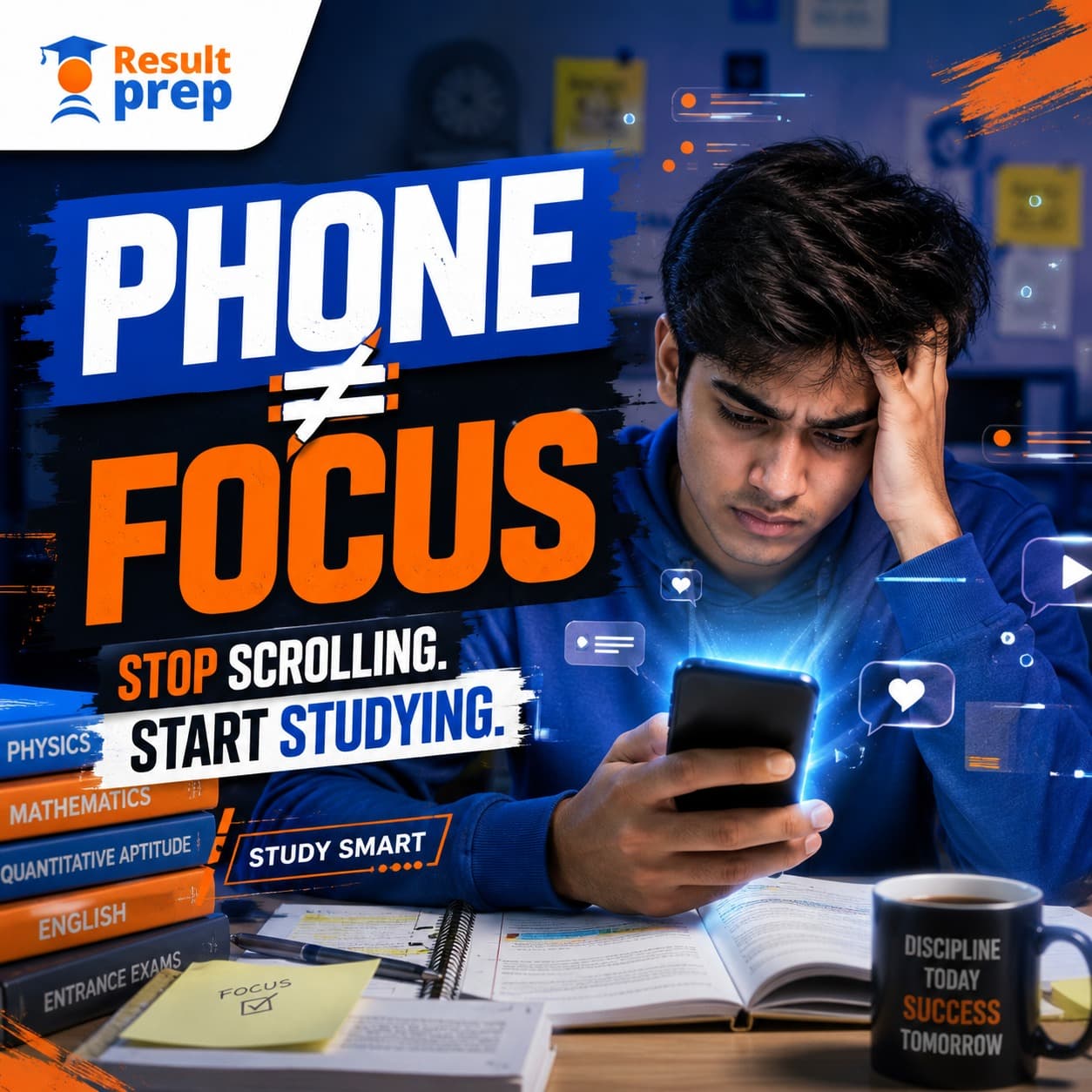
You sit down to study with a clear, ambitious plan. A few minutes later, your screen lights up with a single notification. You unlock the phone to reply to a quick message, glance at an Instagram story or YouTube recommendation, and before you know it, forty-five minutes of prime study time have vanished into thin air.
For most students, the issue is not a lack of academic motivation. The deeper challenge is that smartphones have become deeply integrated into everyday learning: students use them for video lectures, doubt clearing, PDF notes, mock tests, and peer discussions. Because completely banishing the device is unrealistic, the true question is not "How do I eliminate my phone entirely?" but rather "How do I control when and why I use it while studying?"
The Attention Dilemma: Friction vs. Habit
Smartphones are engineered by world-class software teams to capture and monetize human attention. Overcoming phone distractions is rarely about sheer willpower alone—it requires designing physical and digital friction that protects your focus automatically.
Why Is It So Hard to Study Without Checking Your Phone?
Smartphones provide an endless stream of novel stimuli. Every buzz, banner, or pop-up triggers an instinctive dopamine anticipation loop, tempting you away from demanding cognitive tasks like mathematical problem-solving or reading comprehension.
The greatest academic harm comes from micro-task switching. Even if a student checks their phone for just 15 seconds, cognitive scientists note that it takes an average of 10 to 15 minutes to re-enter deep, uninterrupted focus. Frequent switching degrades working memory and causes mental fatigue before any meaningful studying is accomplished.
Is Your Phone Helping or Hindering Your Preparation?
A smartphone can be an extraordinary academic asset—providing instant access to mock test portals, video explanations, current affairs digests, and formula sheets. The problem occurs when the boundary between academic utility and passive entertainment blurs.
| Intentional Academic Phone Use | Distracted Entertainment Creep |
|---|---|
| Opening a specific 15-minute concept explainer video | Autoplay feeds, recommended sidebar browsing, and Shorts |
| Solving a timed sectional test on a coaching portal | Switching between test tabs and social media messaging |
| Clarifying a specific homework doubt with a teacher | Endless peer group chats discussing cutoffs and rumors |
| Using offline digital flashcards or dictionary tools | Reaching for the phone during every moment of study friction |
1. Identify Your Primary Trigger Apps
Before implementing generic digital detox rules, audit what actually steals your time. Check your phone's built-in Screen Time or Digital Wellbeing metrics. Are you losing hours to Instagram Reels, YouTube Shorts, online multiplayer gaming, or group messaging?
Pinpointing your specific trigger makes solutions surgical rather than vague. If short-form videos account for 70% of wasted time, uninstalling or locking that single app solves the vast majority of the problem.
2. Keep Your Phone Out of Physical Reach
Behavioral psychology shows that physical proximity dictates habit execution. If your phone sits face-up right next to your textbook, you will unconsciously pick it up every time you encounter a difficult question.
- The Other-Room Rule: Place your phone in a drawer, inside a backpack, or across the room while working with physical books.
- Out of Eye-Line: Keeping the device out of your peripheral vision significantly lowers cognitive background load and subconscious checking impulses.
3. Ruthlessly Disable Non-Essential Notifications
Every non-academic notification is an ambush on your concentration. Banners from social platforms, shopping apps, and news alerts have zero relevance to your exam success.
Turn on Do Not Disturb (DND) or customize a dedicated "Study Focus" mode on your iOS or Android device. Allow calls only from parents or emergency contacts, and silence all app badges and banners during study hours.
4. Stop Using Your Phone as Your Default Study Break
When students finish a 50-minute study session, their immediate reflex is often picking up their phone to scroll social media. This is not genuine mental rest. The rapid visual and auditory stimulation of social feeds depletes the same prefrontal cortex reserves needed for studying, making returning to books feel excruciating.
Restorative Break Activities
- Drink a tall glass of water or herbal tea
- Stand up, stretch your back, and walk around
- Step outside or gaze out of a window into the distance
- Practice 5 minutes of mindful deep breathing
Dopamine Trap Breaks
- Opening Instagram Reels or TikTok
- Checking multiplayer gaming rewards
- Debating competitive cutoffs on Telegram groups
- Binging YouTube algorithm recommendations
5. Implement Time-Bounded "Phone-Free" Blocks
Vowing to never touch your phone again is unrealistic and sets you up for failure. Instead, commit to time-bounded blocks of uninterrupted work:
- The 50/10 Rule: 50 minutes of deep study with zero phone access, followed by a 10-minute break.
- Task Completion Sprints: Promise yourself: "I will finish these 25 quantitative aptitude questions before I check any messages."
6. Tame the Short-Form Video Trap
Recent academic research on high school and undergraduate students has highlighted a severe correlation between habitual short-form video consumption (Reels, Shorts) and diminished sustained attention spans. Short-form video platforms compress narrative arcs into 15 to 30-second dopamine hits, training the brain to reject slower, methodical academic reasoning.
Set a strict personal rule: zero short-form video viewing between morning study start and evening study completion. If you choose to watch recreational content, do so deliberately after all daily study targets have been met.
What If You Need Your Phone for Entrance Exam Preparation?
If you prepare for CLAT, IPMAT, or CUET, online portals and PDFs on your phone or tablet are non-negotiable. To stay focused when using your device:
- Define the single task before opening the device: Tell yourself out loud: "I am opening the browser only to submit Mock Test 4."
- Use fullscreen or app-pinning modes: Lock the screen to the test or PDF reader to prevent habitual swipe-switching.
- Download resources offline: Download test PDFs or video lectures, then turn on Airplane Mode to eliminate all incoming alerts while studying.
Structured Preparation That Maximizes Your Focus
High-performance entrance prep requires more than good intentions—it demands structured milestones and accountability. At ResultPrep, our CLAT, IPMAT, and CUET Commerce programs provide guided study schedules, targeted practice drills, and 1-on-1 mentorship to keep your preparation disciplined and high-yield.
Book a Free Counselling SessionDiscussion (7)
Vikram Iyer
This is a very insightful article. The strategies mentioned are incredibly practical.
Kavya Bose
I've been preparing for a few months now and these tips perfectly align with what my mentors have been saying.
Rahul Verma
Do you have any offline batches starting soon? I need help with the advanced topics.
Simran Gupta
Bookmarked! I will be revisiting this guide before my mock tests next month.
Manish Mathur
The point about consistent daily practice cannot be overstated. Great read.
Priya Sharma
Thank you for breaking down such a complex topic into actionable steps.
Siddharth Kapoor
I shared this with my entire study group. We were making half the mistakes listed here.
Related Articles in Study Skills & Productivity

How to Improve Reading Comprehension for Entrance Exams
Struggling with dense passages, tricky inferences, and time pressure in CLAT, IPMAT, or CUET? Discover paragraph-mapping frameworks, option-elimination tactics, and daily reading habits to master RC.

How to Deal With Exam Stress: Practical Ways to Stay Calm and Focused
Overwhelmed by exam anxiety, parental pressure, or mock test results? Discover evidence-based mental frameworks, daily routines, and stress management tools to stay composed and perform your best.
What to Do the Day Before an Entrance Exam: A Practical Student Guide
Feeling anxious 24 hours before your entrance exam? Discover what to study, what to avoid, how to pack your exam kit, and the mindset needed to stay calm and perform at your peak.